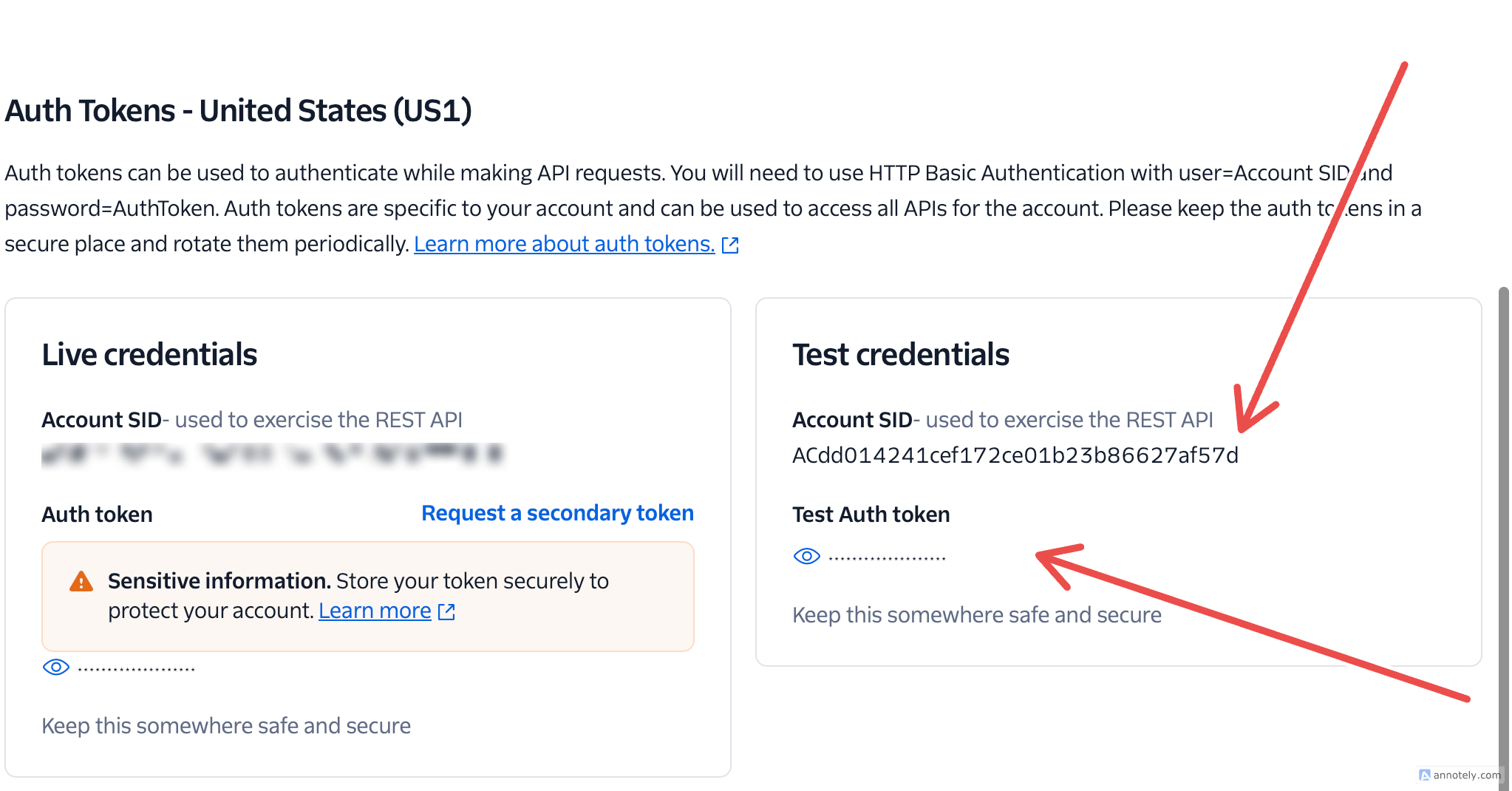
This is a step-by-step guide to getting your account SID and token.
If this is your first time using Twilio, Signup for an account.
There are two different types of Account SID each with its Auth Token to authenticate while making API requests. There are:
- Live Credential: This credential can request for secondary token.
- Test Credential: This credential cant request for secondary token but advicable for testing the API.
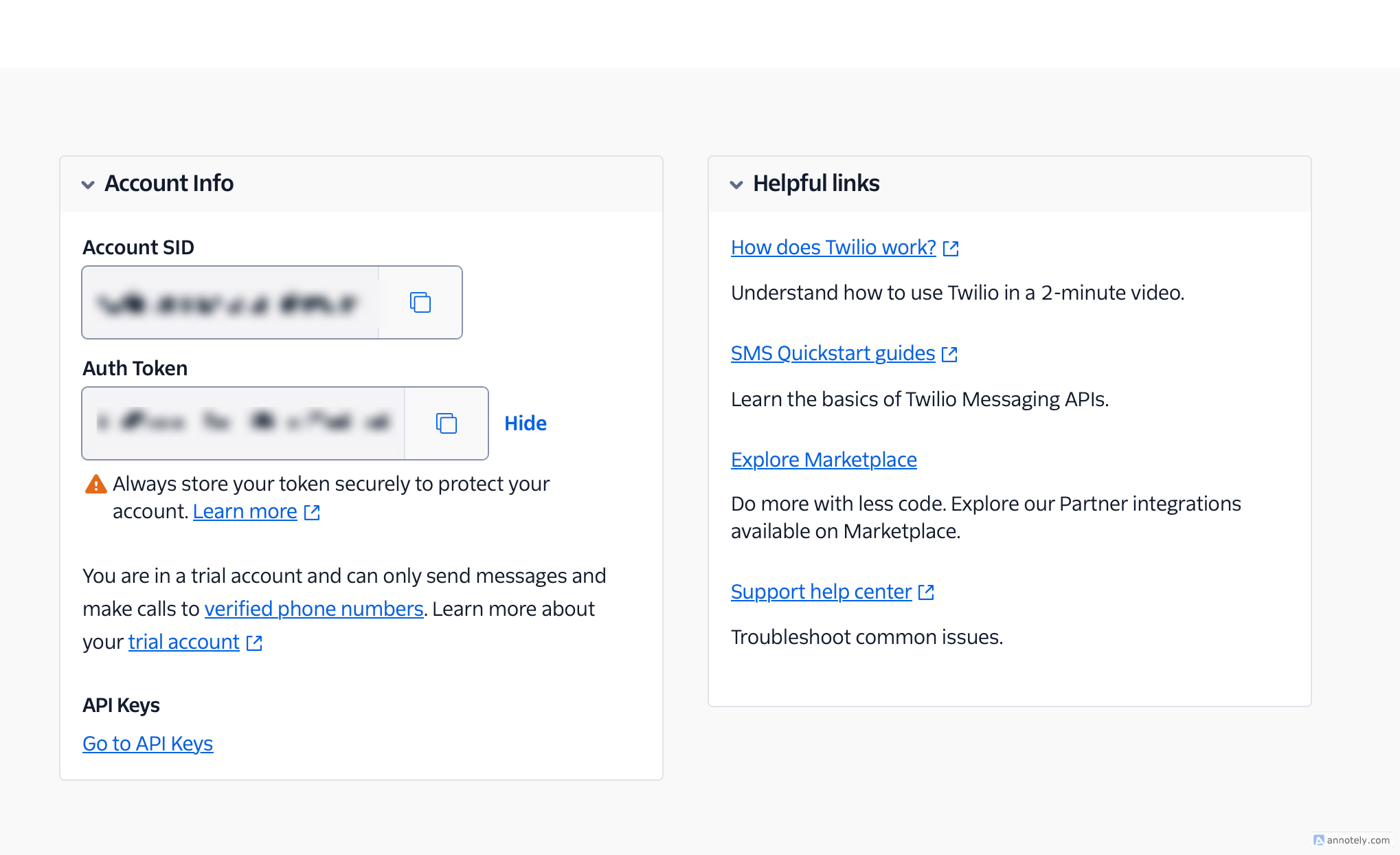
Live Credential
- Once you have signed up, log in to your Twilio account.
- You will be routed to Twilio console, Scroll down abit, you will see your Account SID and Auth Token
Test Credential
- Go to API Keys & Token
- Scroll down abit, you will see Test Credential beside the Live Credential